

ABOUT THIS EPISODE
Nonprofit Cybersecurity expert and Community IT CTO Matt Eshleman offered his take on these trends. Listen for expert advice on avoiding new computer viruses and making sure your organization is protected from Attacker-in-the-Middle attacks on MFA (Multi-Factor Authentication), particularly for important accounts like your Executive Director and CFO.
Fighting Viruses
- Virus attacks have been increasing. These computer viruses are no longer just malware that “infects” your network through an email link or website.
- Bad actors know we are suspicious of links in our email and that these days most malicious emails are stopped from reaching our inboxes. As a work around, they have started sending a document with instructions to open the document with a “secure code” – actually a malicious code. In this way, they trick the victim into running the attack against themselves.
- To resist this attack, always think – if the document you need to open is legitimate, and the person emailing it to you is genuine, they can send you a pdf. You should be very suspicious of any attachment that requires another set of steps to open, particularly executing code on your computer.
- Other ways you may pick up a computer virus: downloading something malicious online. Be careful to double check you are on a legitimate site before downloading anything. Better yet, use the App Store where possible.
- We are also seeing an increase in malicious pop-ups. If a window opens on your computer saying you have a virus, it can be scary. Always contact your own IT provider. Do not follow the directions the pop up is giving you to get “support,” or you will be calling the scammer.
Using Phish-Resistant MFA
- Community IT continues to recommend that all users use a Multi-Factor Authentication method on all accounts.
- Because MFA is so effective, it is not surprising that attackers are trying to work around it. In the past few years Attacker-in-the-Middle attacks have been on the rise. In this attack, the bad guys trick a user into “logging in” in a way that exposes their secure token for the attacker to steal. The attacker can then login as the user from a different device and gain access to anything the user has access to.
- Phish-Resistant MFA, like using a passkey or Microsoft Hello, will only allow the MFA to be authenticated from the device where you are. You can also use a physical key like Ubikey or FIDO, which must be present to allow the login.
- Community IT is recommending at a minimum that all accounts with access to sensitive data such as Executive Director, CFO, maybe Board members, the executive team, should use Phish-Resistant MFA to best protect the organization. Of course, any access to your network is a risk, so where possible, investing in Phish-Resistant MFA for all staff is a good investment.
- Training on Phish-Resistant MFA can lessen the friction or feeling that an extra step is required. Most Phish-Resistant MFA is quick to use and easy to learn. Peace of mind is worth it.
Community IT hopes that building this culture of care at your organization makes it easier for you to update your staff on new
_______________________________
Start a conversation :)
- Register to attend a webinar in real time, and find all past transcripts at https://communityit.com/webinars/
- email Carolyn at cwoodard@communityit.com
- on LinkedIn
- on reddit/r/nonprofitITmanagement
- on the Community IT website
Thanks for listening.
English
United States
TRANSCRIPT 🔗
Are you the producer of this podcast?
Add a podcast transcript
Need Audio-to-Text?
Transcribe with Listen411 in Just 60 Seconds
SEARCH PAST EPISODES
Search past episodes of Community IT Innovators Nonprofit Technology Topics.
OTHER EPISODES IN THIS PODCAST

In the first part of this two-part conversation, Carolyn Woodard and Johan Hammerstrom, CEO of Community IT, take on a question behind a lot of nonprofit IT frustration: who at your organization actually owns IT? Not who fixes it, but who plans, budgets, and makes the case for it.
Drawn from a Com…
Carolyn Woodard digs into something that hits closer to home this week: a conversation with a friend who knows that parts of her job could be automated, but can't find the hour to actually build it.
That tension of fixing the plane while flying it turns out to be a well-documented, structural…
In part 2 of this two-part episode, Carolyn continues her conversation with CEO Johan Hammerstrom and Senior IT Consultant Nuradeen Aboki: what you actually get at the end of an IT assessment, and what to do with it.
This episode covers:
Assessment deliverables — the comprehensive report, prioriti…
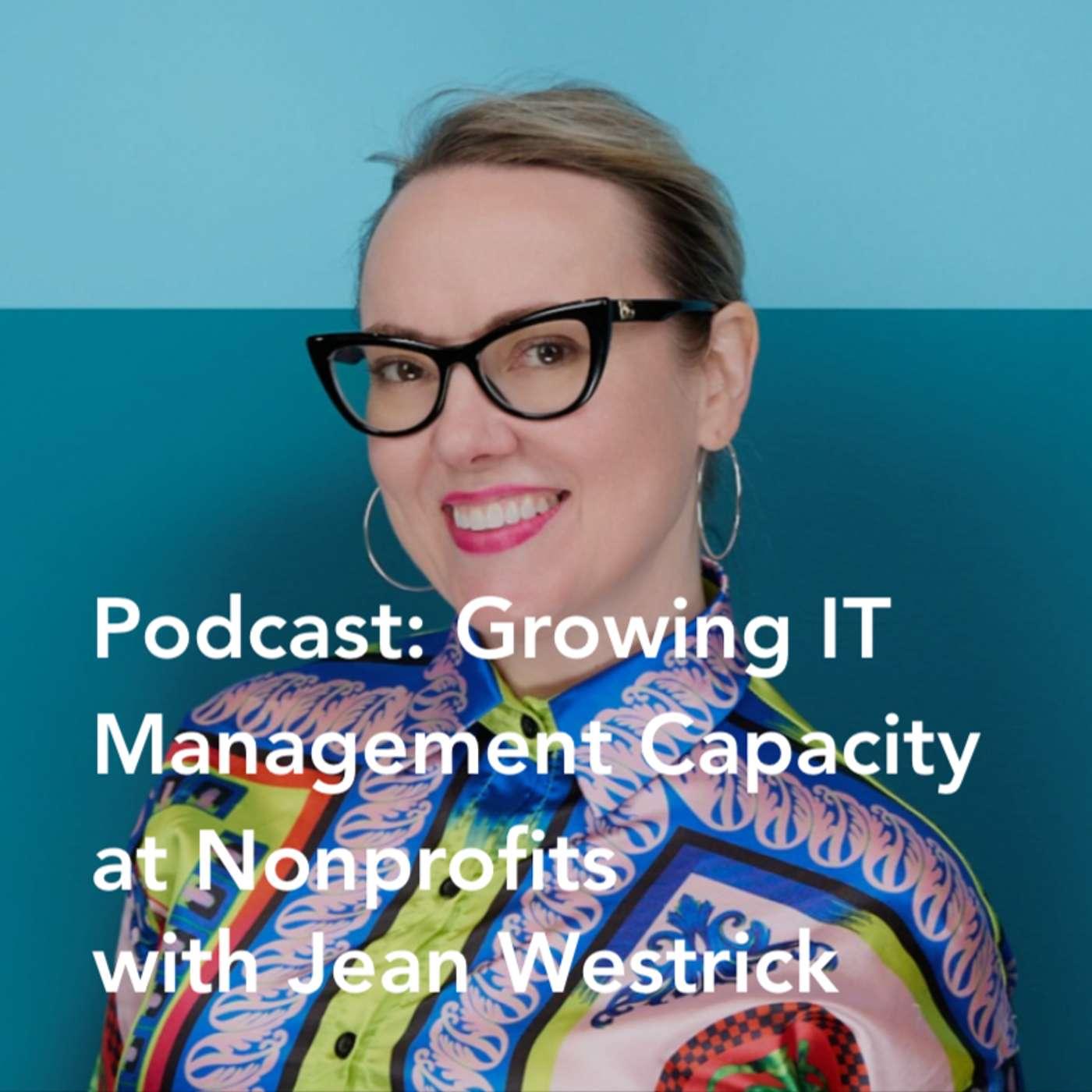
Carolyn Woodard talks with Jean Westrick, President and CEO of the Technology Association of Grantmakers (TAG), about why nonprofit technology management should be treated as organizational capacity. Jean argues that digital resilience is becoming as essential as financial resilience.
The conversat…
This week, host Carolyn Woodard tackles the AI story that made it onto TV and radio news this weekend: an essay from Anthropic CEO Dario Amodei calling for a deliberate slowdown in frontier AI development, followed within about 24 hours by agreement from OpenAI's Sam Altman, Elon Musk, and Goo…
Disclaimer: The podcast and artwork embedded on this page are from Community IT Innovators, which is the property of its owner and not affiliated with or endorsed by Listen Notes, Inc.
EDIT
Thank you for helping to keep the podcast database up to date.
