


OM DENNE EPISODE
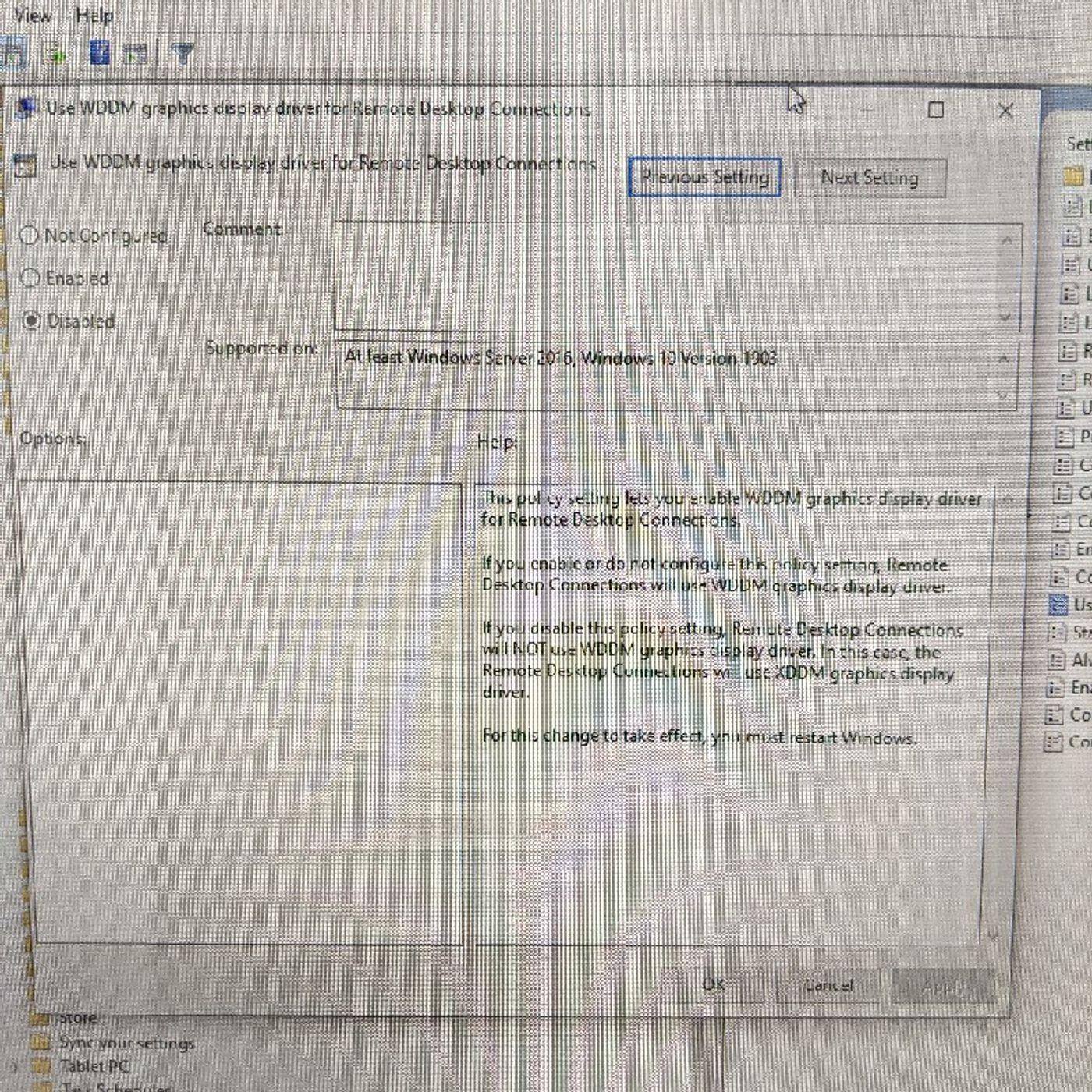
If people having trouble remoting in and then you go to their local desktop and it's just a black screen, you might have a display driver issue.
Open up the local group policy editor > local computer policy > computer configuration > administrative templates > Windows components > remote desktop services > remote desktop session host > remote session environment > and disable the "use WDDM graphics display driver for remote desktop connections" setting.
Open up the local group policy editor > local computer policy > computer configuration > administrative templates > Windows components > remote desktop services > remote desktop session host > remote session environment > and disable the "use WDDM graphics display driver for remote desktop connections" setting.
Engelsk
USA
UDSKRIFT 🔗
Are you the producer of this podcast?
Add a podcast transcript
Need Audio-to-Text?
Transcribe with Listen411 in Just 60 Seconds
SØK BLANT TIDLIGERE EPISODER
Søk etter gamle episoder av Random Tech Thoughts.
ANDRE EPISODE I DENNE PODKAST

https://www.humblebundle.com/books/learn-to-code-the-fun-way-no-starch-press-books?partner=thetalkinggeekThink like a programmer: an introduction to creative problem solvingPerl one-liners: 130 programs that get things doneThe book of f#: break free with managed to functional programmingLearn Java …
Sometimes updating device drivers is a mistake.
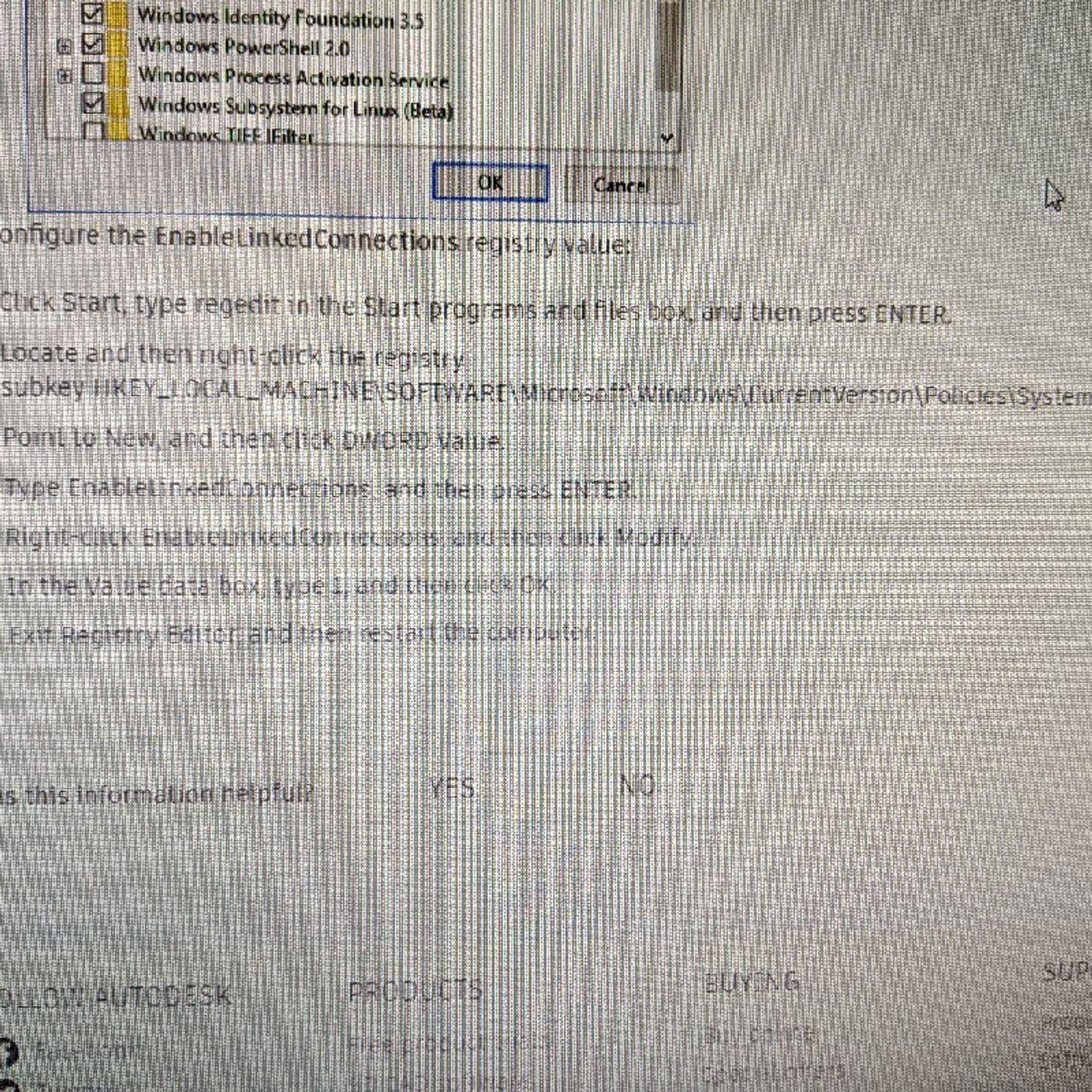
Some older applications, like this one particular FoxPro application I'm dealing with, have trouble finding mapped drives on newer computers / operating systems (such as Windows 10). So, we just need to edit the registry a little bit!

I have to install a second Nextcloud server on my main web server. The "web installer" makes it pretty easy.
Ansvarsfraskrivelse: Podkasten og kunstværket, det finnes indlejret på denne siden, er fra Kyle Souza, som tilhører dens eier og ikke er tilknyttet eller godkjent av Listen Notes, Inc.
REDIG
Takk fordi du hjelper med å holde podkast-databasen oppdatert.
