


אודות פרק זה
On WordPress websites, custom fields implementation can have a lot of use cases. How using custom fields can help clients make small website changes easily?
Well, Clifton Canady is here sharing how he uses the power of custom fields for building websites in combination with a page builder. 01. Custom Fields Tool I understand, Advanced Custom Fields is your go-to solution for implementing custom fields. What made you choose ACF as against other comparable solutions like Pods, Toolset, and so on?
What about using manual code for registering custom fields, ever thought of going that way?
Which tool or method do you use for registering a custom post type where custom fields are controlled via ACF? 02. Website content with Custom Fields Let’s take an example of a simple 5-10 pages brochure website. Which parts of those pages would you use custom fields?
Using custom fields to build options panel, is that common part of your website builds?
What type of options is most common in this website options panel? 03. Custom Fields & Page Builder I understand you use Elementor page builder to create websites. Now, a page builder gives almost 100% freedom to the client to edit anything or even destroy everything. Where does using custom fields fit in this setup of a website created using a page builder?
Which custom field types are most used in such setup of websites made using a page builder?
Can you share a few examples of advanced custom fields implementation in combination with a page builder? Clifton Canady’s Toolbox Elementor is the favorite page builder of creating websites.
For adding code prefer using Code Snippets plugin.
Central Color Palette is another important tool in the mix.
For theme base use Page Builder Framework Theme.
Use White Label CMS plugin to customize WP dashboard.
Toolbar Extras for Elementor by David Decker also in the tech stack.
Use WPEngine for agency and Flywheel for direct clients.
For email marketing use ConvertKit service for sending emails. About Clifton Canady
My name is Clifton Canady, and I am a front-end web developer and designer, and the owner CT Web Design Shop.
With 15 years of experience in creating interactive, modern, and eye-catching websites, and more than 10 years of experience in customer service, I am ready to take on any web developing or design challenge and create a professional website best suited to your business needs.
I also have a Youtube Channel called WPCliffsNotes, and I create weekly WordPress help and tutorials to help you get the most out of your WordPress website. We teach tips and tricks for making your web design workflow better by using WordPress as a Content Management System.
More: WP Cliffs Notes -- Youtube
Well, Clifton Canady is here sharing how he uses the power of custom fields for building websites in combination with a page builder. 01. Custom Fields Tool I understand, Advanced Custom Fields is your go-to solution for implementing custom fields. What made you choose ACF as against other comparable solutions like Pods, Toolset, and so on?
What about using manual code for registering custom fields, ever thought of going that way?
Which tool or method do you use for registering a custom post type where custom fields are controlled via ACF? 02. Website content with Custom Fields Let’s take an example of a simple 5-10 pages brochure website. Which parts of those pages would you use custom fields?
Using custom fields to build options panel, is that common part of your website builds?
What type of options is most common in this website options panel? 03. Custom Fields & Page Builder I understand you use Elementor page builder to create websites. Now, a page builder gives almost 100% freedom to the client to edit anything or even destroy everything. Where does using custom fields fit in this setup of a website created using a page builder?
Which custom field types are most used in such setup of websites made using a page builder?
Can you share a few examples of advanced custom fields implementation in combination with a page builder? Clifton Canady’s Toolbox Elementor is the favorite page builder of creating websites.
For adding code prefer using Code Snippets plugin.
Central Color Palette is another important tool in the mix.
For theme base use Page Builder Framework Theme.
Use White Label CMS plugin to customize WP dashboard.
Toolbar Extras for Elementor by David Decker also in the tech stack.
Use WPEngine for agency and Flywheel for direct clients.
For email marketing use ConvertKit service for sending emails. About Clifton Canady
My name is Clifton Canady, and I am a front-end web developer and designer, and the owner CT Web Design Shop.
With 15 years of experience in creating interactive, modern, and eye-catching websites, and more than 10 years of experience in customer service, I am ready to take on any web developing or design challenge and create a professional website best suited to your business needs.
I also have a Youtube Channel called WPCliffsNotes, and I create weekly WordPress help and tutorials to help you get the most out of your WordPress website. We teach tips and tricks for making your web design workflow better by using WordPress as a Content Management System.
More: WP Cliffs Notes -- Youtube
אנגלית
ארצות הברית
תעתיק 🔗
Are you the producer of this podcast?
Add a podcast transcript
Need Audio-to-Text?
Transcribe with Listen411 in Just 60 Seconds
חיפוש פרקים ישנים
חפש פרקים קודמים של Smart Web Creators - Podcast for WordPress Agency Entrepreneurs.
פרקים אחרים בפודקאסט הזה
Accessibility aspect of websites is finally getting more attention thanks to recent lawsuits in the US. Is making a WordPress website that is also accessible a complicated process?
What are the critical elements for creating an accessibility compliant website? Colleen Gratzer is here to share prac…
Page Builders offer a quick and easy way to create WordPress websites. However, even this delightful way of building websites has the other side laden with problems. Once you finalize on the big question of selecting a specific page builder, the follow up is about dealing with profound issues on t…
Imagine a setup where a visitor automatically signs up for a new website, completes payment, selects a template, and his website is ready for customization without any human intervention.
This is possible with Turnkey websites concept on WordPress platform, also called WaaS (Websites as service). …

Struggles and challenges are part of life, be it offline or online. How can your offline life hardships prepare you better for a digital marketing career in the online world?
How can someone dive into online digital marketing with an agency set up to provide client services? What are all tools req…
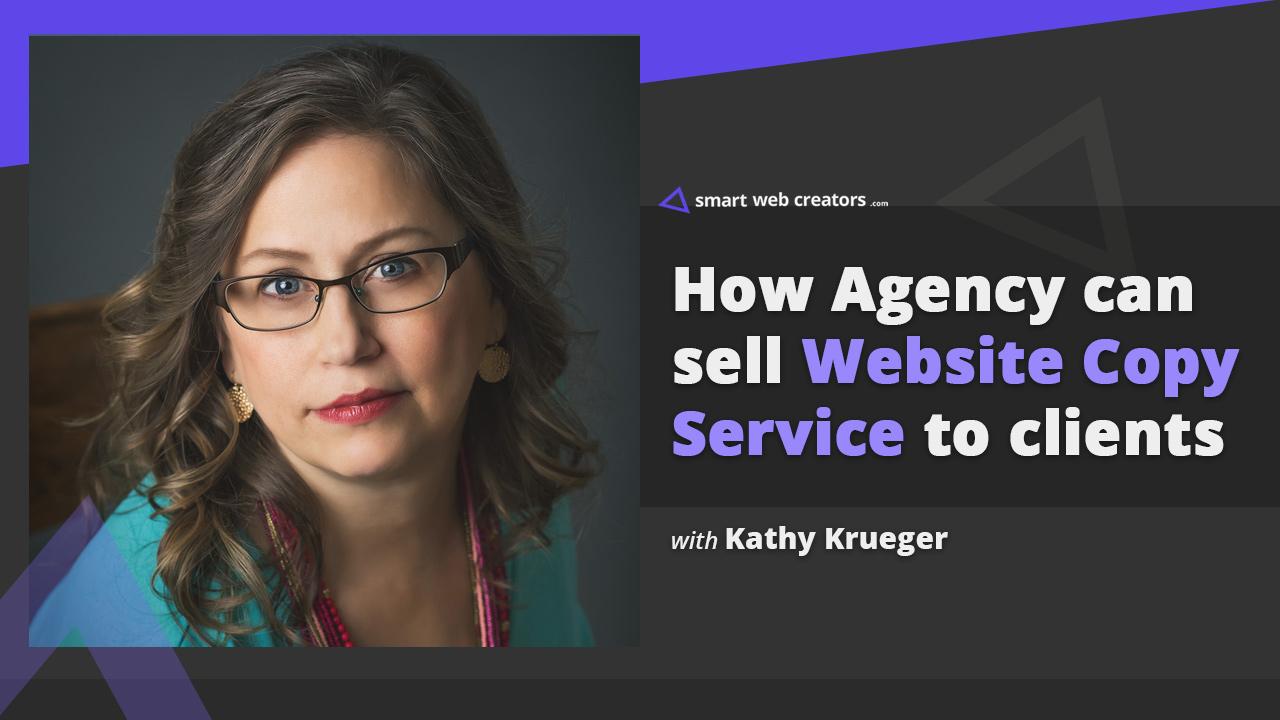
In website building, the design and development take the most effort, time and money. Website copy rarely features prominently in the majority of website builds done by freelancers or small agencies.
In reality, website copy is what does the magic converting website visitors into customers. How ca…
הצהרה: הפודקאסט והגרפיקה המוטבעים בדף זה הם מ-Davinder Singh Kainth, שהוא רכושו של בעליו ואינו קשור או מאושר על ידי Listen Notes, Inc.
