


TUNGKOL SA EPISODE NA ITO
How to create a popup note for the Fixed layout ePub from footnotes in InDesign
Ingles
Estados Unidos
SA EPISODE NA ITO
KOPYA NG SALIN 🔗
Are you the producer of this podcast?
Add a podcast transcript
Need Audio-to-Text?
Transcribe with Listen411 in Just 60 Seconds
I-SEARCH ANG MGA NAKARAANG EPISODE
I-search ang mga nakaraang episode ng Publisha - Digital Publishing Hub.
IBA PANG MGA EPISOD SA PODCAST NA ITO

Using the InDesign animation feature to bring on supplementary information or enlarge an image ready for the fixed layout ePub.
Using the InDesign animation feature to bring on supplementary information or enlarge an image ready for the fixed layout ePub.
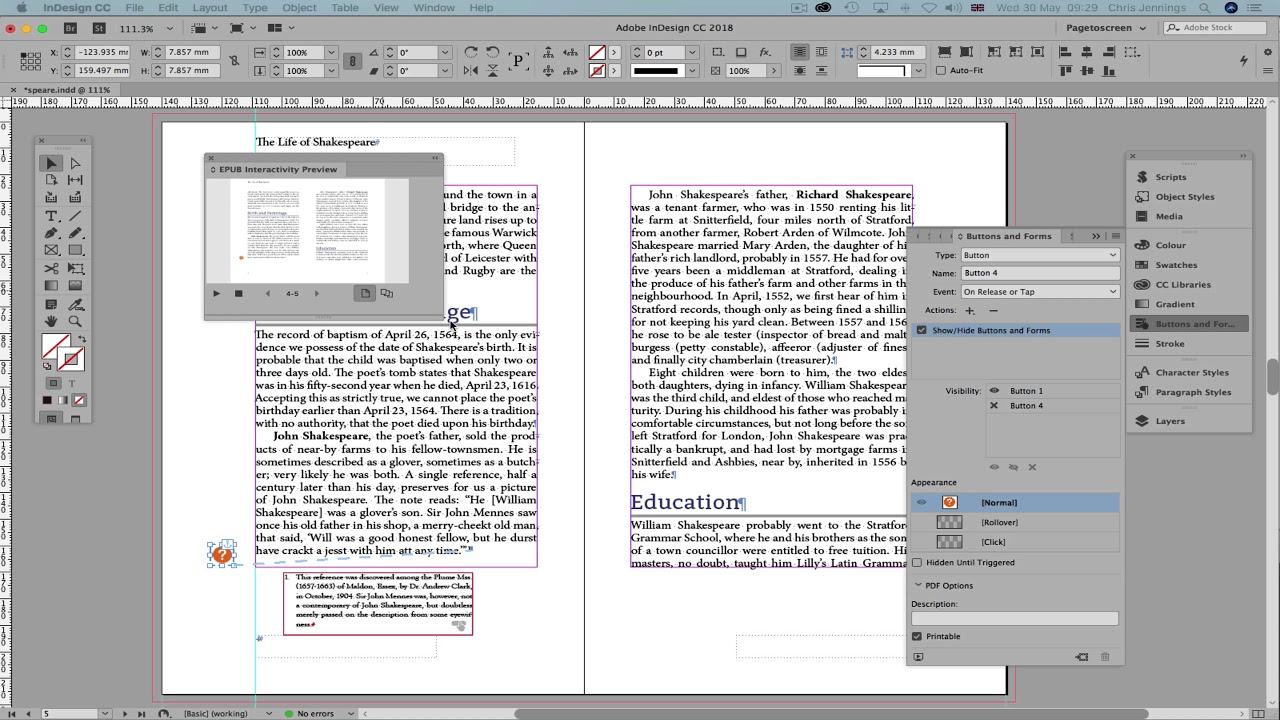
In a fixed layout ePub eBook we want footnotes to become popup notes.
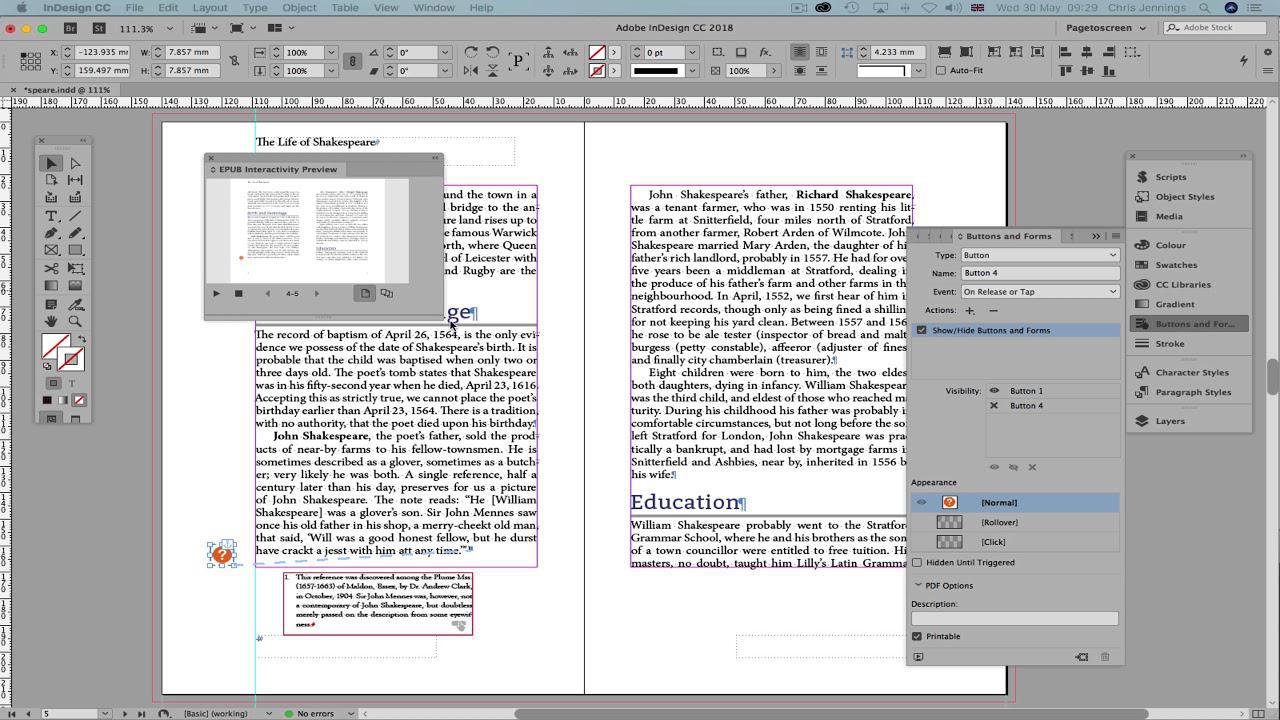
In a fixed layout ePub eBook we want footnotes to become popup notes. This will show how to do this in InDesign. The script comes from Peter Kahrel - http://www.kahrel.plus.com/indesign/footnotes.html
Paunawa: Ang podcast at artwork na naka-embed sa page na ito ay mula sa Chris Jennings, na pag-aari ng may-ari nito at hindi kaakibat o ineendorso ng Listen Notes, Inc.
I-EDIT
Salamat sa pagtulong na mapanatiling naka-update ang database ng podcast.
