
ABOUT THIS PODCAST 🔗
A weekly review of the Microsoft 365 Message Center, with Daniel Glenn, Darrell Webster, and special guests. 365MCS.com #365MCS
Update frequency:
weekly
Average audio length:
33 minutes
Guest interviews
Video podcast
English
United States
152 episodes
since Aug. 14, 2023
episodic
AUDIENCE OF THIS PODCAST 🔗
~99.55% of listeners are from United States.
🇺🇸
US
99.55%
🇦🇹
AT
0.44%
Others
0.01%
* Data source: directly measured on Listen Notes. real-time
LATEST EPISODE 🔗

This week, we explore changes in Copilot, including prompts to try different experiences, the arrival of Projects and Workspaces, and Copilot Search for SharePoint and OneDrive.
0:00 Welcome
2:29 Microsoft Copilot app: Updates to Home and navigation - MC1535647
10:39 Activity in other acco…
SEARCH PAST EPISODES
Search past episodes of 365 Message Center Show #365MCS.
PREVIOUS EPISODES 🔗

Today we'll be looking at two presenters and teams can share their desktops. Side-by-side!
And you can also engage with your community. Ha, see what I did there in Copilot.
You'll also enjoy the refreshed look and feel of SharePoint lists.
0:00 Welcome
2:00 Microsoft 365 admin center: M…

This week on the 365 Message Center Show, we’re catching up on the latest changes across Microsoft 365.
We’ll look at updates to agents in SharePoint and OneDrive, and improvements to the Brand Kit creation experience.
We’ll also discuss how Microsoft is bringing new insights into agents, inclu…

Unlock the power of Microsoft 365 Copilot Chat with skills! In this episode, we dive into how to enhance your productivity by creating repeatable instructions and utilizing skills in your conversations. Planner Agent now generates status reports using the details from your tasks in a plan. What els…

Show Copilot what you want your skill to do. Record the steps in Copilot for PowerPoint. Then save a reusable skill. Also, private tasks will be stored in the private Planner plan. What does this mean for Microsoft To Do?
0:00 Welcome
2:07 Updated My Task experience in Planner - MC1488844
…

Bundle all you need together to plug in services for Copilot. Find out about temporary branding pane referral for PowerPoint. Get control of third-party agents in your tenant. This episode is all about power and control.
0:00 Welcome
2:08 Microsoft Copilot: Introducing the Microsoft plugin …
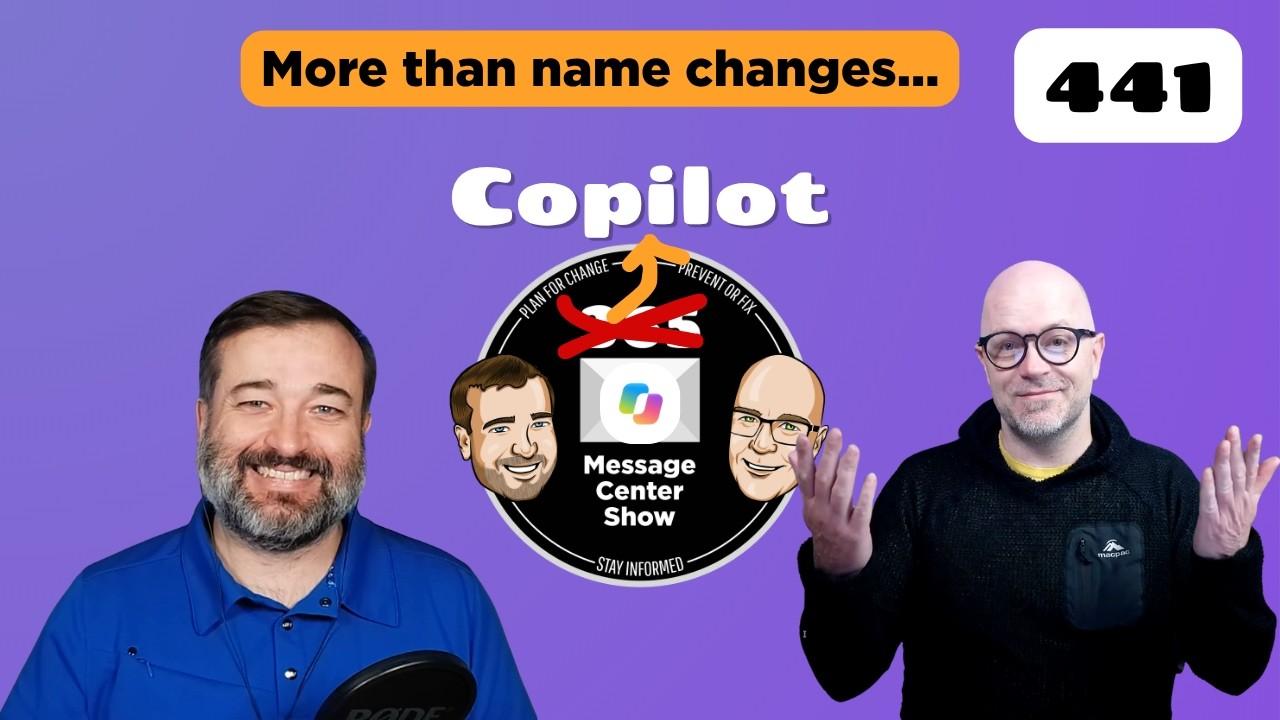
A change to Microsoft 365 so big that Microsoft dropped the 365 and changed to Microsoft Copilot, in more places that one. The super-app is was announced, combining Chat, Cowork, Code, and Autopilot. Daniel and Darrell still managed to find some significant updates that didn't involve Copilot this …
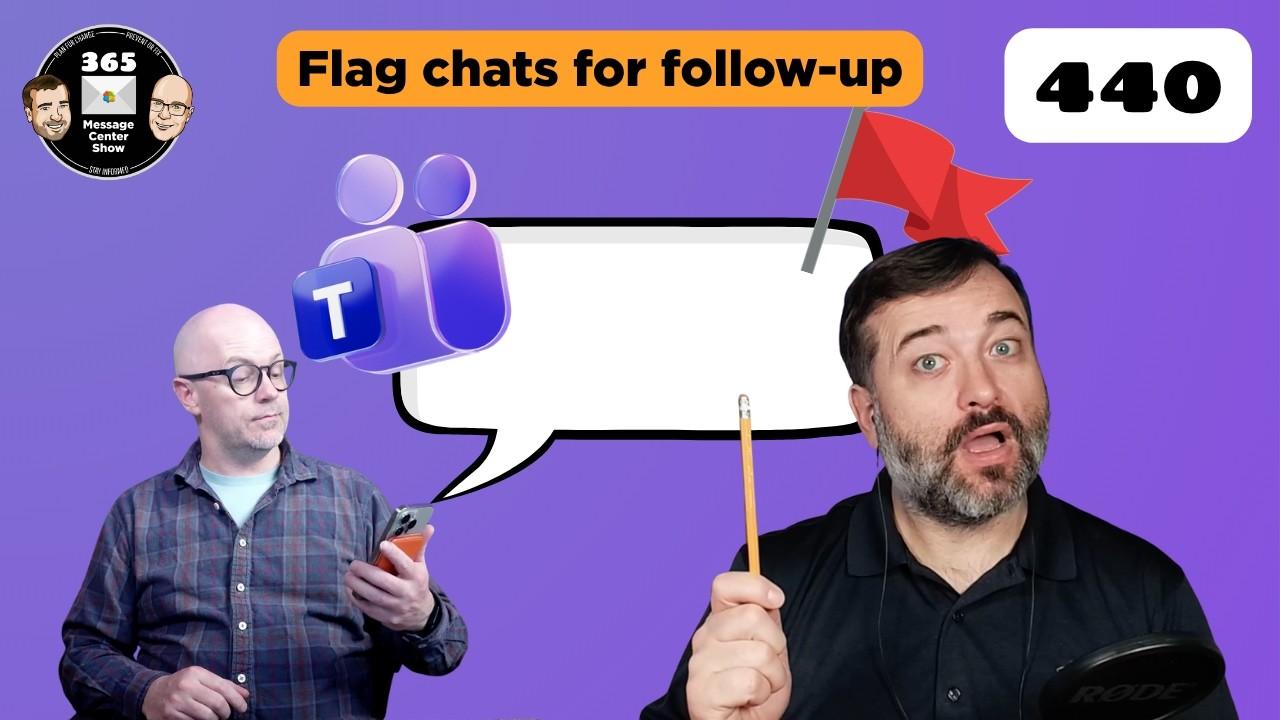
Today's the day. Teams get's follow-up flags. Remind yourself to look at a chat message or post. Also, hand over the organiser role of meetings in Outlook. Lastly, give strict guidance for Copilot to follow when creating brand-aligned slide decks.
0:00 Welcome
2:28 M365 Copilot: Tell Copilo…
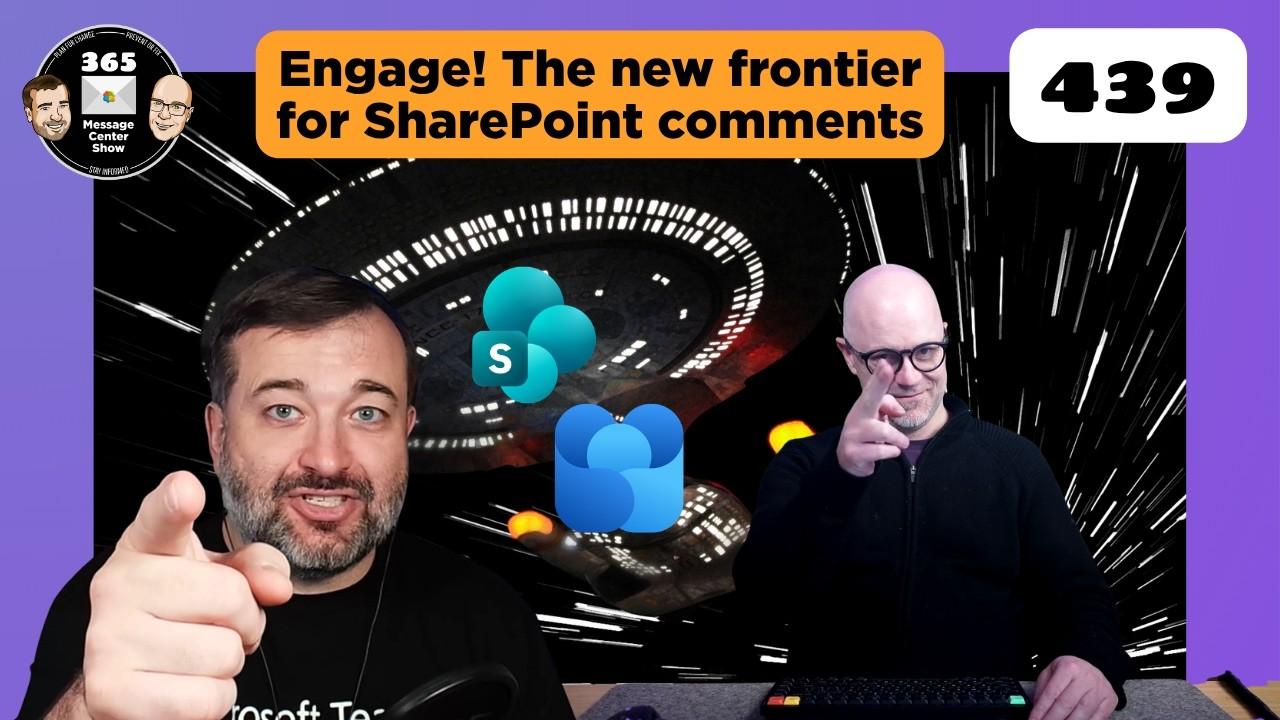
Viva Engage will soon be able to power the comments on SharePoint pages. Silence Teams notifications temporarily with a new option. Create interactive slides using a new Copilot skill. What else is arriving soon?
0:00 Welcome
2:35 Create interactive slides in PowerPoint with Copilot skill …
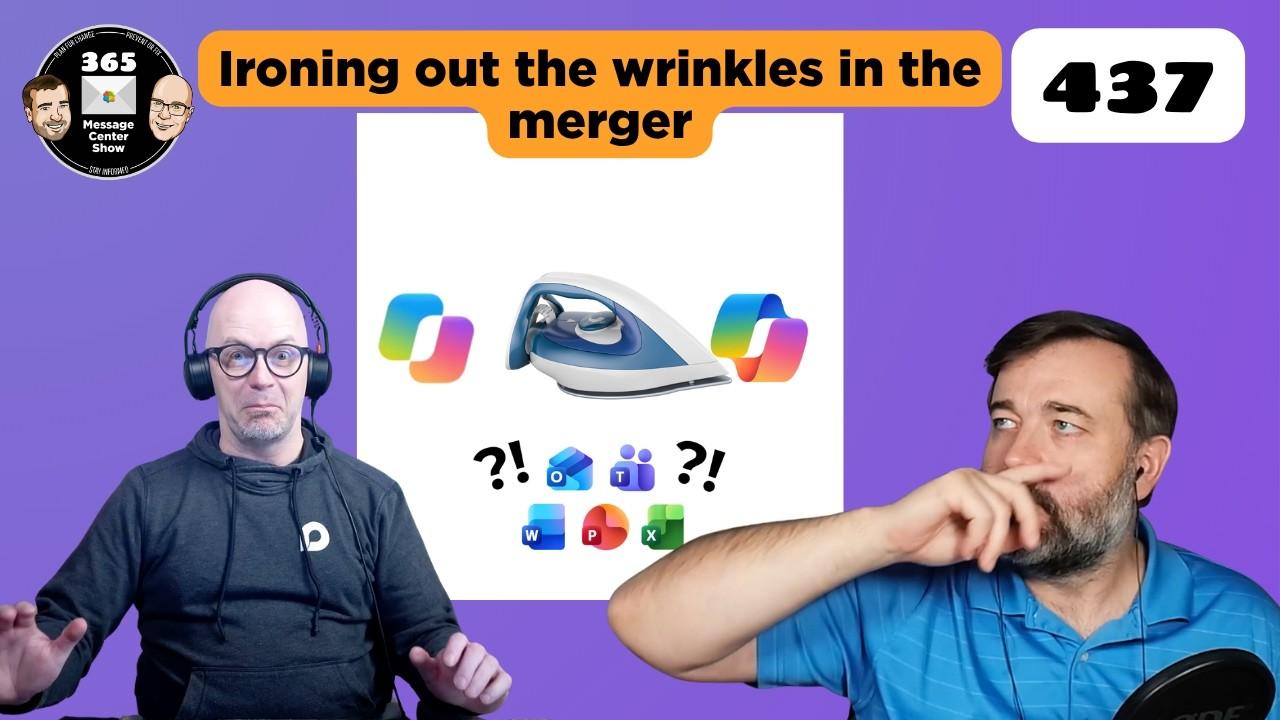
Surprise! Did you see this coming? The Microsoft 365 Copilot logo drops mug-shot booking board. The Microsoft Copilots, personal and business, coming together to be one and the same app. Simplified. New flat logo. But what's next?
0:00 Welcome
3:08 Microsoft SharePoint: New report on Everyo…
Disclaimer: The podcast and artwork embedded on this page are from Daniel Glenn and Darrell Webster, which is the property of its owner and not affiliated with or endorsed by Listen Notes, Inc.
PODCAST SEARCH ENGINE
You can use our website to search 3,836,624 podcasts and 197,706,780 episodes by people, places, or topics.

I have no special talent. I am only passionately curious, and
I listen to podcasts.
‐ Albert "Llamacorn" Einstein
SEARCH PAST EPISODES
Search past episodes of 365 Message Center Show #365MCS.
PODCAST IS CLAIMED
This podcast page is claimed and managed by
@i2980
THIS PODCAST IS LOOKING FOR...
Sponsors
If you are interested, please contact
the producer of this podcast
See other classified ads
EDIT
Thank you for helping to keep the podcast database up to date.
